
Getting your API key

The first step to use our public API is getting the API key of your workspace to autenticate yourself in your requests. You can find your API key in your profile on Walead.ai by going to tthis route:

https://app.walead.ai/app/settings/api-keys

There you can just copy it with the button next to the API key.
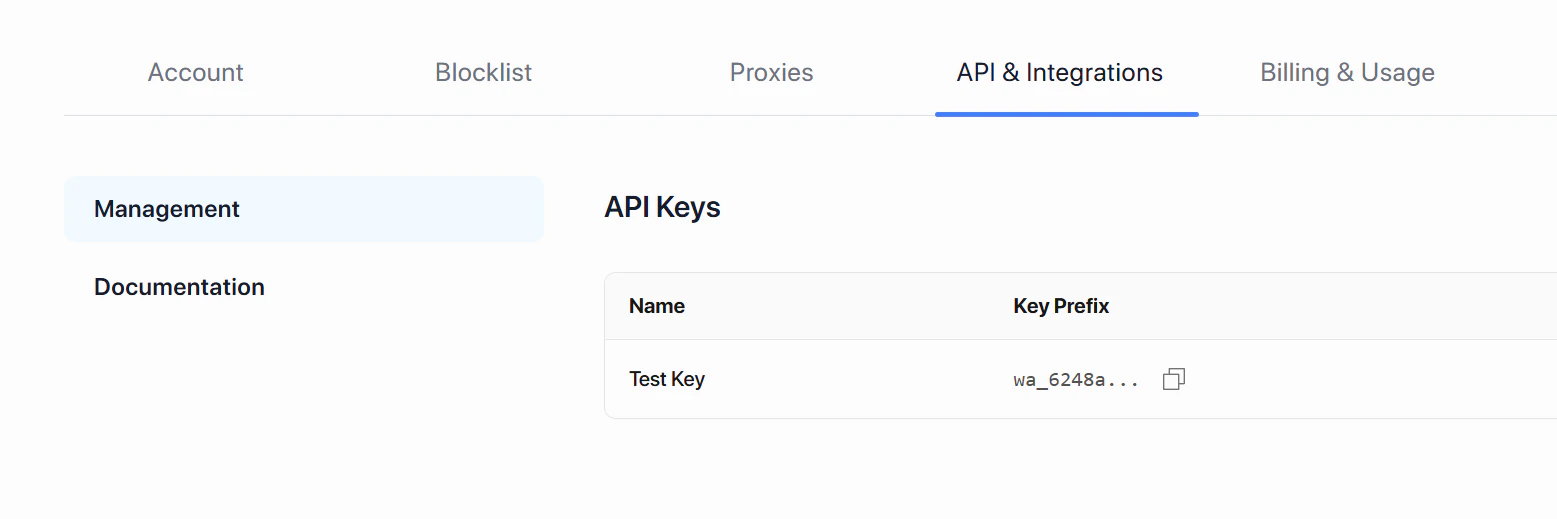
Api Key

Authentication

All API endpoints are authenticated using your API key, so you will need to provide it in every request, to do so you need to add a header in every request that you do, with the key being x-api-key and the value the key itself.

Testing your API key

You can use the curl example on the side to test if your API key is active and valid, just replace you key on the header to test it.
curl -X GET https://app-api.walead.ai/api/v1/campaigns \
  -H "x-api-key: YOUR_API_KEY_HERE" \
  -H "Content-Type: application/json"